
Introduction
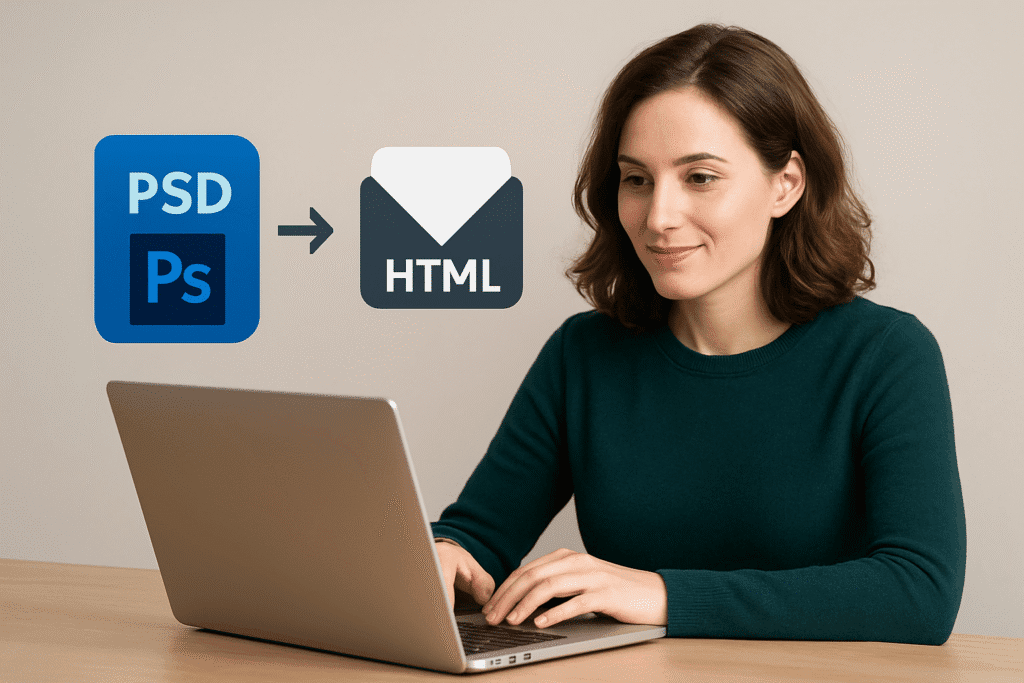
The introduction should highlight why accessibility is a non-negotiable in email design for 2025. With regulations like WCAG 2.2 and the European Accessibility Act (EAA) shaping digital standards, accessibility has shifted from a “nice touch” to a legal and ethical requirement. For brands, ensuring PSD-to-HTML emails are inclusive means creating content that is both beautiful and usable for everyone—whether they have visual, cognitive, or motor impairments, or are simply reading in a challenging environment like bright sunlight. Set the stage by emphasizing that accessible design is good design.
Start with Semantic HTML, Not Just Pretty Layers
When converting a PSD design into HTML, accessibility starts with structure. Semantic HTML gives meaning to your content, so screen readers and assistive tools know how to read it. For example, using <h1> for the main heading and <h2> for subheadings helps users navigate like a table of contents. A list of features should use <ul> instead of random <div> tags, so screen readers can announce them clearly. Even links should use descriptive text like “View Summer Collection” instead of just “Click here.” By applying these practices in your PSD to HTML email workflow, your design becomes more than a pretty layout—it becomes understandable and inclusive for every subscriber in 2025.
Make Text Easy to Read, Not Just Nice to Look At
Great design isn’t only about style—it’s about making words easy to read. In PSD-to-HTML emails, simple choices can make a big difference. Avoid using ALL CAPS, since it slows down reading and makes text harder for people with dyslexia or vision challenges. Stick to clean, web-safe fonts like Arial or Helvetica, and keep body text at least 14px for comfort on mobile screens. Left-align paragraphs instead of centering or justifying them, so readers don’t struggle to find the start of each line. Finally, use headings, subheadings, and enough spacing to guide the eye. Clear, structured typography ensures your emails feel effortless to read—for everyone in 2025.
Color Contrast Isn’t Optional Anymore
In 2025, color contrast is a must-have in PSD-to-HTML email design. Low contrast—like light gray text on a white background—makes reading almost impossible for people with vision impairments or color blindness. Even users without disabilities may struggle outdoors in bright sunlight or on smaller screens. Designers also need to think about dark mode, where colors can invert and make text unreadable if not tested. Contrast isn’t just about style—it’s about clarity. Never rely on color alone to show meaning, like using only red or green for status updates. Free tools like WebAIM’s contrast checker make it simple to test combinations. Strong contrast ensures every subscriber can read and interact with your email content.
Images, Alt Text, and Beyond
PSD designs often lean heavily on visuals, but in HTML emails, relying only on images leaves many readers behind. For accessibility, important text should always be coded as live text, not baked into an image, so screen readers can read it aloud and users can zoom without losing clarity. When you do use images, always add meaningful alt text—for example, “Blue running shoes on sale” is far better than “image123.png.” If an image is purely decorative, mark it so that assistive tools skip over it. And when images double as links, describe the action, like “Shop the summer collection.” These small steps make visuals understandable and inclusive, no matter how subscribers experience your email.
Buttons, Links, and Clickable Elements That Work for Everyone
A call-to-action is only effective if everyone can use it. In PSD-to-HTML emails, accessibility means designing links and buttons that are clear and easy to interact with. Instead of vague text like “Click here,” use descriptive wording such as “Download the guide” or “Shop new arrivals,” so readers instantly know what to expect. Buttons should be large enough to tap comfortably on mobile and surrounded by enough space to prevent accidental clicks. Adding hover or focus states—like a color change—gives users visual feedback that the element is interactive. By making CTAs both functional and inclusive, you reduce frustration, build trust, and ultimately boost conversions in 2025.
Keep Layouts Simple, Responsive, and Inclusive
In PSD-to-HTML emails, less is often more. Overly complex, multi-column layouts may look stylish in a design file but can quickly confuse users—especially those relying on screen readers—or break down on smaller screens. A single-column or streamlined layout is not only easier to navigate but also ensures mobile responsiveness, which is critical as most people read emails on phones. Inclusive design also means keeping content light and fast-loading, so it works for users with slow internet connections. Using plain, straightforward language helps readers of all literacy levels, while reducing heavy visuals avoids overwhelming those with cognitive or temporary disabilities. Simplicity makes your emails accessible, effective, and welcoming to everyone.
Conclusion
Reminding readers that accessibility isn’t just compliance—it’s smart, empathetic design. By baking accessibility into the PSD-to-HTML workflow, brands can create emails that reach more people, foster trust, and improve overall performance. Accessibility by design in 2025 is not just a “nice-to-have”—it’s a competitive advantage and a long-term investment in customer loyalty.